Subscription & Billing
Manage your subscription, switch plans, and view your invoices.
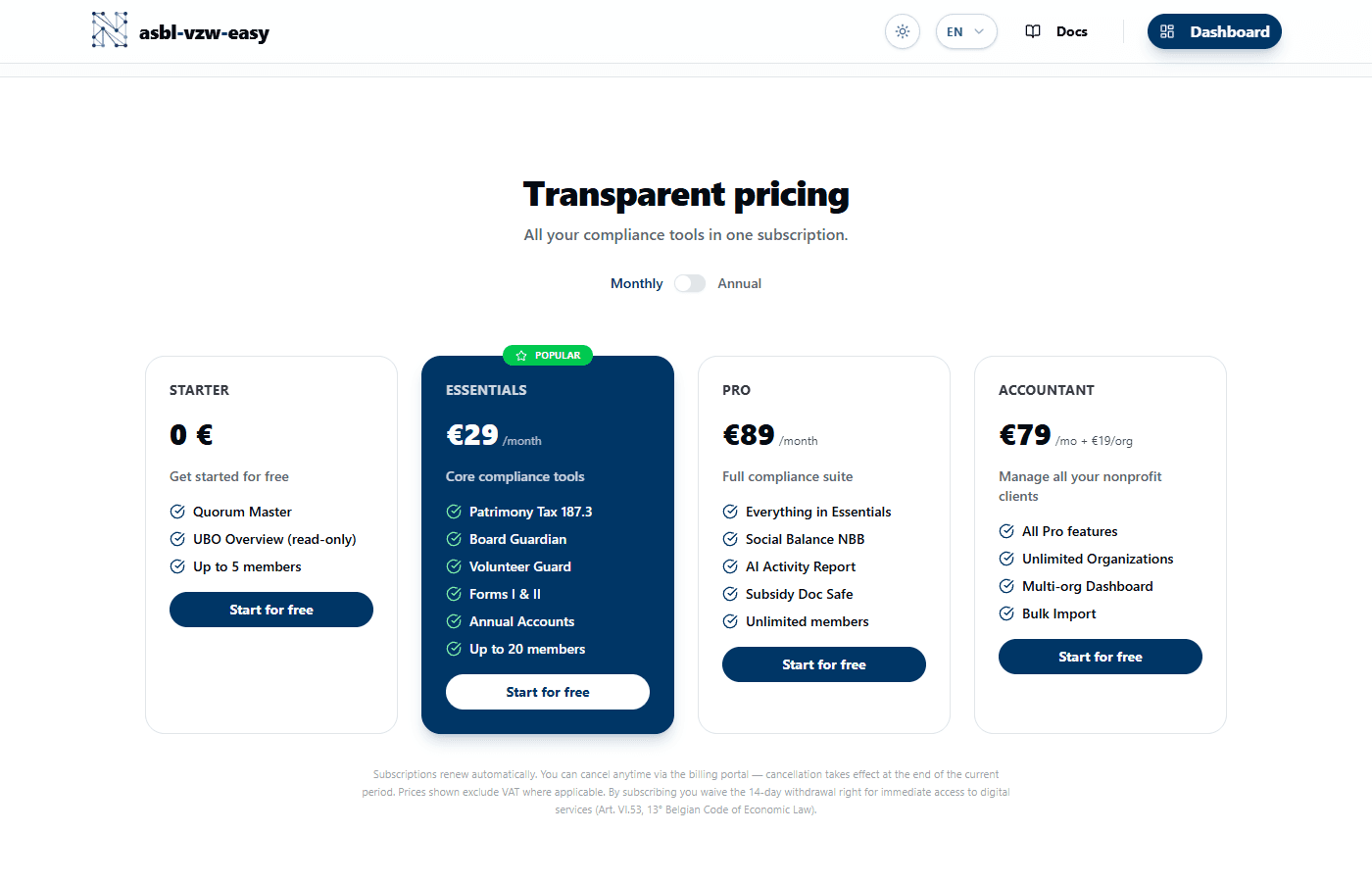
Available Plans
| Plan | Monthly | Annual | Savings |
|---|---|---|---|
| Starter | Free | Free | — |
| Essentials | 29 EUR/month | 259 EUR/year | ~25% |
| Pro | 89 EUR/month | 799 EUR/year | ~25% |
| Accountant | 79 EUR/month + 19 EUR/org | 709 EUR/year + 179 EUR/org/year | ~25% |
Change Your Plan
- Go to Settings > Subscription.
- Your current plan is displayed with a badge.
- Select a new plan and choose monthly or annual billing.
- Click Upgrade to [Plan].
- You are redirected to the secure Stripe payment page.
- After payment, your plan is updated immediately.
Manage Your Subscription
From the Subscription page, access the Stripe customer portal to:
- Update your payment method
- View invoice history
- Cancel your subscription
Accountant Plan — Additional Organizations
The Accountant plan allows you to manage multiple organizations. To add slots:
- Click Add organizations.
- Choose the number of additional slots (19 EUR/org/month or 179 EUR/org/year).
- Confirm via Stripe.
All paid plans are billed through Stripe. Your payment data is handled securely by Stripe and never stored on our servers.