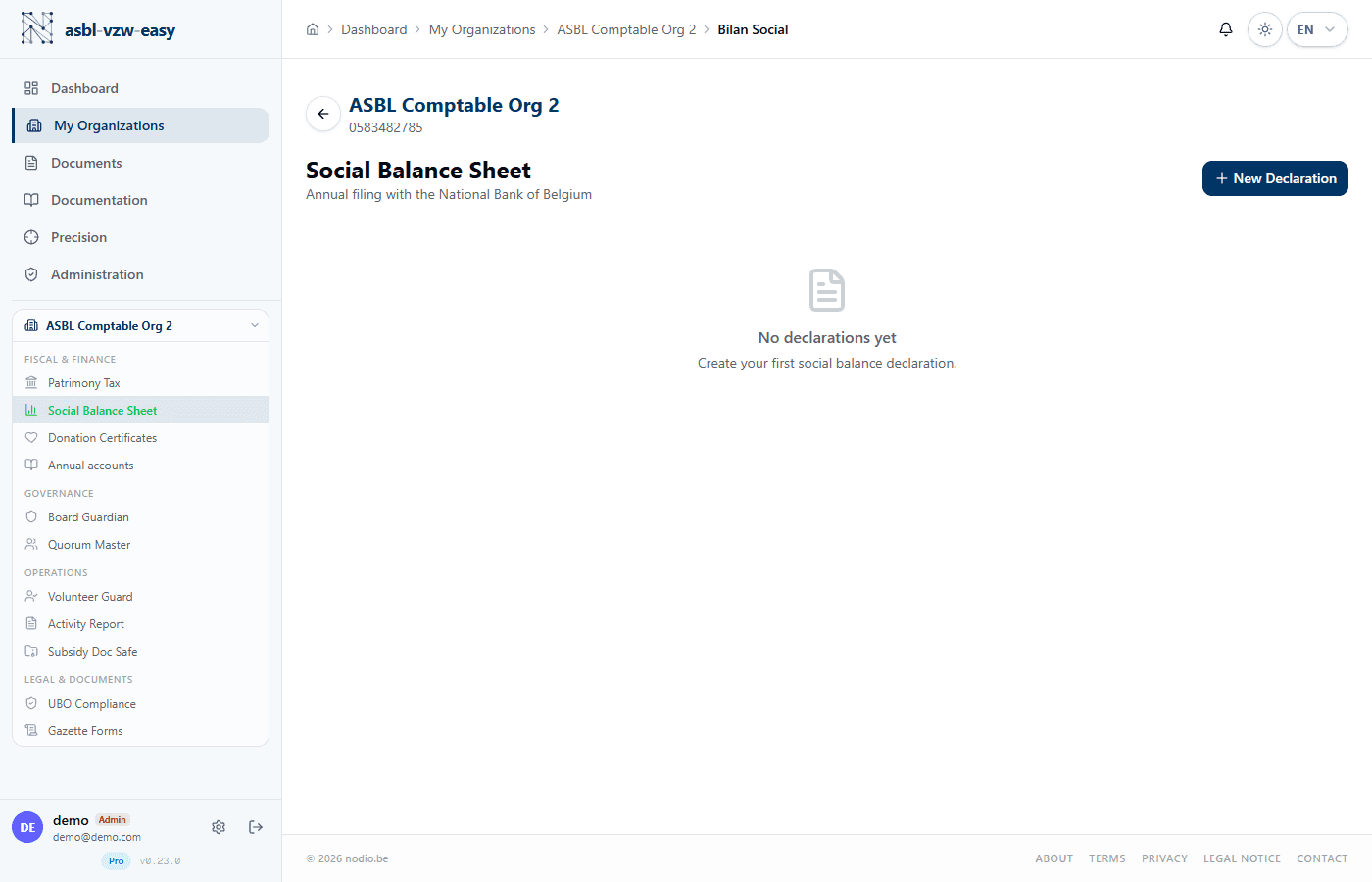
Social Balance Sheet (Bilan Social)
Import payroll data and generate the social balance sheet in NBB format.
What Is the Social Balance Sheet?
The social balance sheet (bilan social) is a mandatory document for any nonprofit (ASBL) that employs at least one salaried worker. It summarizes employment information within your organization: number of workers, hours worked, staff costs, training completed, etc. This document must be filed each year with the National Bank of Belgium (NBB; BNB in French).
Legal basis — CSA, Art. 3:12 and Royal Decree of 29 April 2019. The social balance sheet is an integral part of the annual accounts. It must be filed at the same time, within 7 months after the close of the fiscal year. Payroll secretariats (such as Partena, SD Worx, Liantis) are the organizations that manage your employees' salaries and social contributions — that is where the data comes from.
Import Payroll Data
The module accepts CSV exports (spreadsheet files) from the main Belgian payroll providers:
- Partena
- SD Worx
- Liantis
Import Steps
- Log in to your payroll provider's online portal and export the CSV file for the fiscal year.
- In the Social Balance Sheet module, click Import CSV.
- Select the provider (Partena, SD Worx, or Liantis) — the system automatically adapts the reading format.
- Upload the file.
- The system analyzes and automatically maps the columns to the NBB format.
CSV format — Be careful not to modify the CSV file before importing it. The system expects the exact format as exported by the payroll provider. If you open it in Excel and re-save it, the columns may be altered.
Generate NBB Format
- After importing, verify the data in the summary table.
- Click Generate NBB Format.
- The file is created in the official National Bank format (the structured format that the NBB expects).
- Download it and submit it via the NBB online platform.
Declaration History
The table displays all declarations with:
- Creation date
- Covered period (fiscal year)
- Status (in progress / finalized)
- Download button
Available only on the Pro plan.