Account Settings
Manage your profile, security, notifications, and preferences.
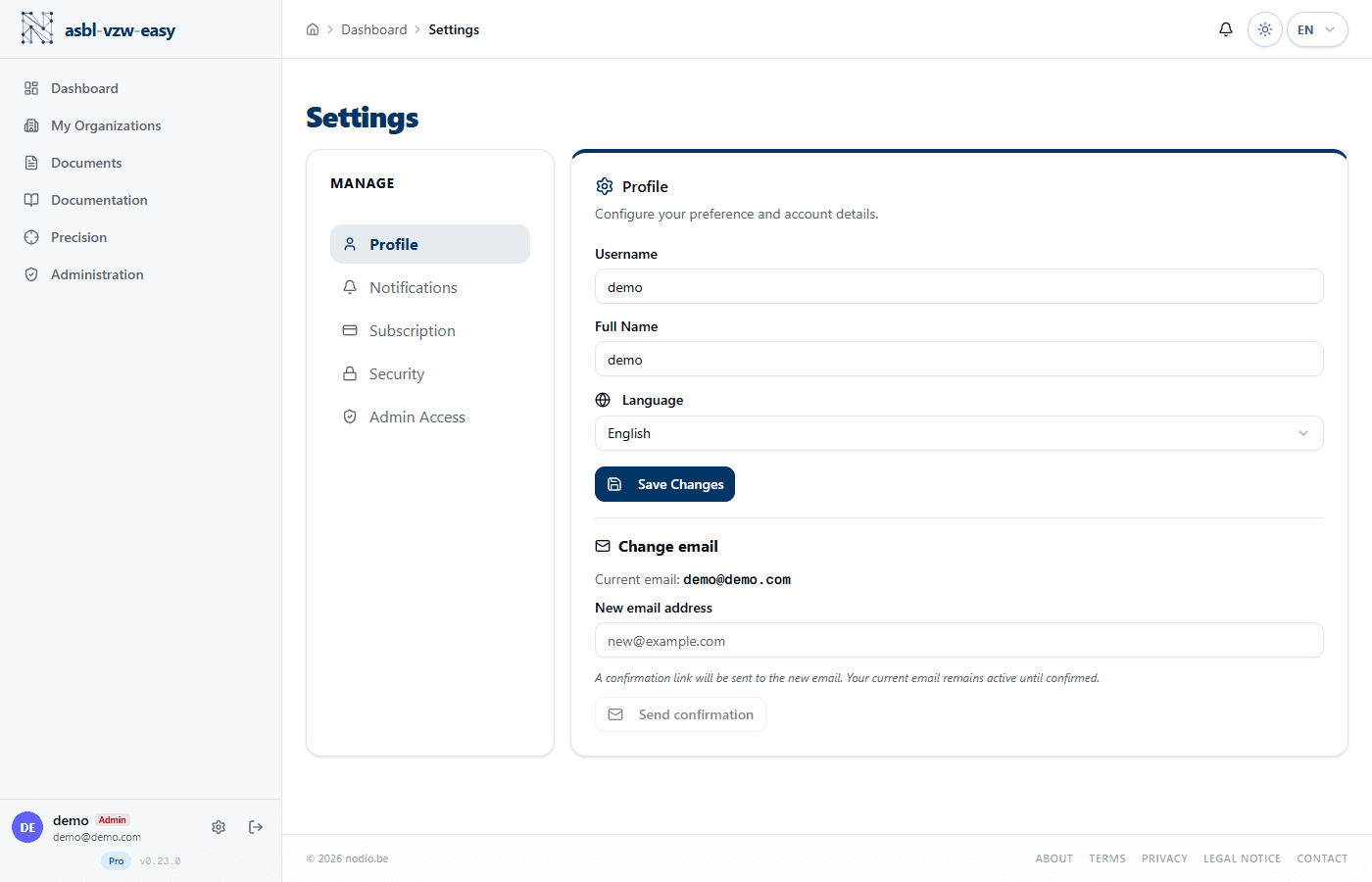
Profile
From Settings > Profile, you can update:
- Username
- Full name
- Notification preferences (notification emails, marketing emails)
Security
From the Security tab:
- Change email address: enter the new address and confirm it.
- Change password: enter your current password, then your new password.
- Export your data (GDPR compliance): download all of your personal data.
Notifications
Configure which types of emails you receive:
- Compliance notifications: UBO alerts, deadlines, mandate expirations
- Marketing emails: product news and platform updates
Language
Change the interface language via the language selector available in the main menu. Your choice is saved locally and synchronized with your profile.
Available languages: French, Nederlands, Deutsch, English.
Dark Mode
Toggle between light and dark mode via the theme icon. The system automatically detects your operating system preference.