Subside Doc Safe
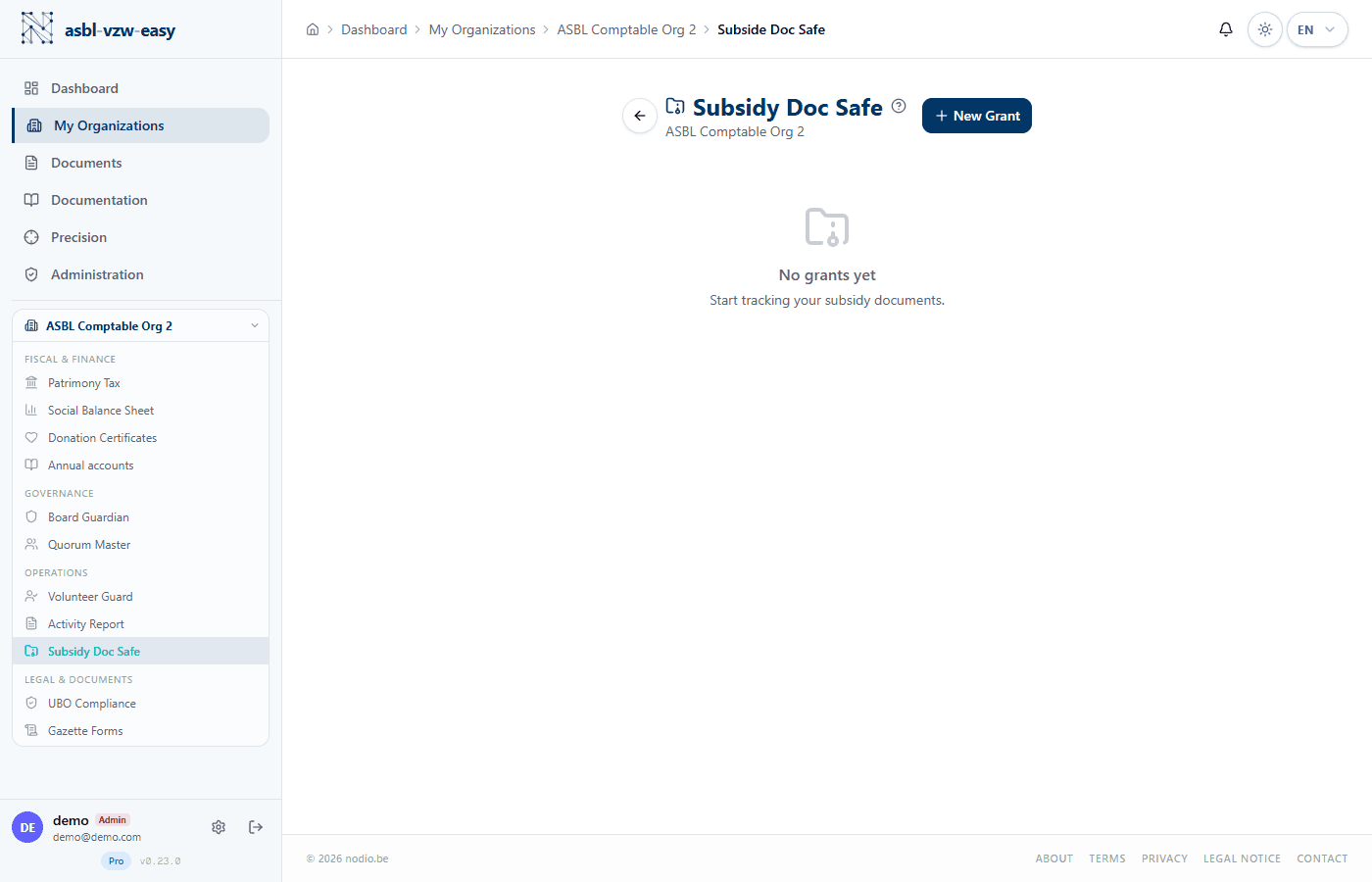
Archive your grant documents and link them to your accounting records.
What Is Subside Doc Safe?
Many nonprofits (ASBLs) receive grants (also called "subsidies") from municipalities, provinces, regions, or bodies such as the Federation Wallonia-Brussels, the Vlaamse Overheid, etc. In return, the nonprofit must often justify how the money was spent by providing invoices, reports, and proof of expenses.
Subside Doc Safe is a digital vault that centralizes all these documents and links them to your accounting records, so that everything is ready in case of an inspection or audit.
Good to know — Funding bodies can require the return of grants if the nonprofit cannot justify its expenses. Having all documents organized and linked to accounting records is the best protection.
Create a Grant Project
- Click New Project.
- Fill in:
- Grant name (e.g., "Regional Employment Grant 2026")
- Funding body (e.g., Walloon Region, Vlaamse Overheid, FWB)
- Awarded amount in euros
- Coverage period (start and end dates of the funded project)
- The project is created and ready to receive documents.
Manage Documents
- Upload documents: invoices, receipts, supporting documents, activity reports, agreements.
- Link each document to an accounting entry — to prove that each expense corresponds to a document.
- Categorize documents by type (invoice, report, agreement, etc.).
Accounting Matching
The module allows you to match uploaded documents with accounting entries (the lines in your bookkeeping). This way, every euro spent is traceable: "this 500 EUR invoice corresponds to this line in the accounting." This is exactly what an auditor or funding body will want to see.
Projects Table
The main view lists all grant projects with:
- Name and funding body
- Awarded amount
- Number of uploaded documents
- Completeness status (percentage of supporting documents provided)
Available only on the Pro plan.